


November 6, 2025
Productive Hacking on iOS: Essential Tools for Swift Devs and Other Gems
April 5, 2024
The "Tools for lazy devs" column returns with a second installment presenting a series of useful tools for lazy developers looking for efficient solutions to develop smartly. Read the article to discover the tools tested by our iOS developer Pierpaolo!

By popular demand, the most perturbing, most tantalizing, most alternative column on the entire network is back! Here's part two of "Tools for Lazy Devs" for you.
The first article, which you can find here, had sparked interest, and here I am diving back in to give you the secrets of some, in my opinion, very useful tools. Whether you are a consultant or an incurable internet surfer, you will surely find what you read very useful!
The less observant, however, might immediately retort, "Excuse me, but after a year you rewrite the article? Hasn't it been that long?!" To this remark, I would respond with a subtle smile, arguing that they have not noticed the main title and the manifesto of the column: we are lazy and, as such it is right to take the time to find, evaluate and write about tool tech.
The list will be rich, in fact, there will be no particular category but all the instruments presented fall under the, so-called, "Miscellaneous".
Let's get going right away then!
Index
- Tools for lazy developers...where were we?
- Time...at your command!
- No Mac, no party!
- Stackoverflow: The most popular site for developers
- Homebrew: Homemade things are best
- Colourcontrast: Nice, nice eh... But not accessible!
- A Tower of Babel in our device!
Time...at your command!
Manipulate dates to show only what we care about the timestamp, i.e., the exact instant of time, makes the difference between a minimalist, pleasing UI and a very often confusing pile of numbers.
For example: if an event happened today and maybe it was created by the same user. We may not show the full date but only the time!
To do this, in a lazy way, we are helped by the site nsdateformatter.com. This site makes it very easy for us to play around and experiment with various date-writing formats, taking a lot of the hassle out of it until we find what works for us.
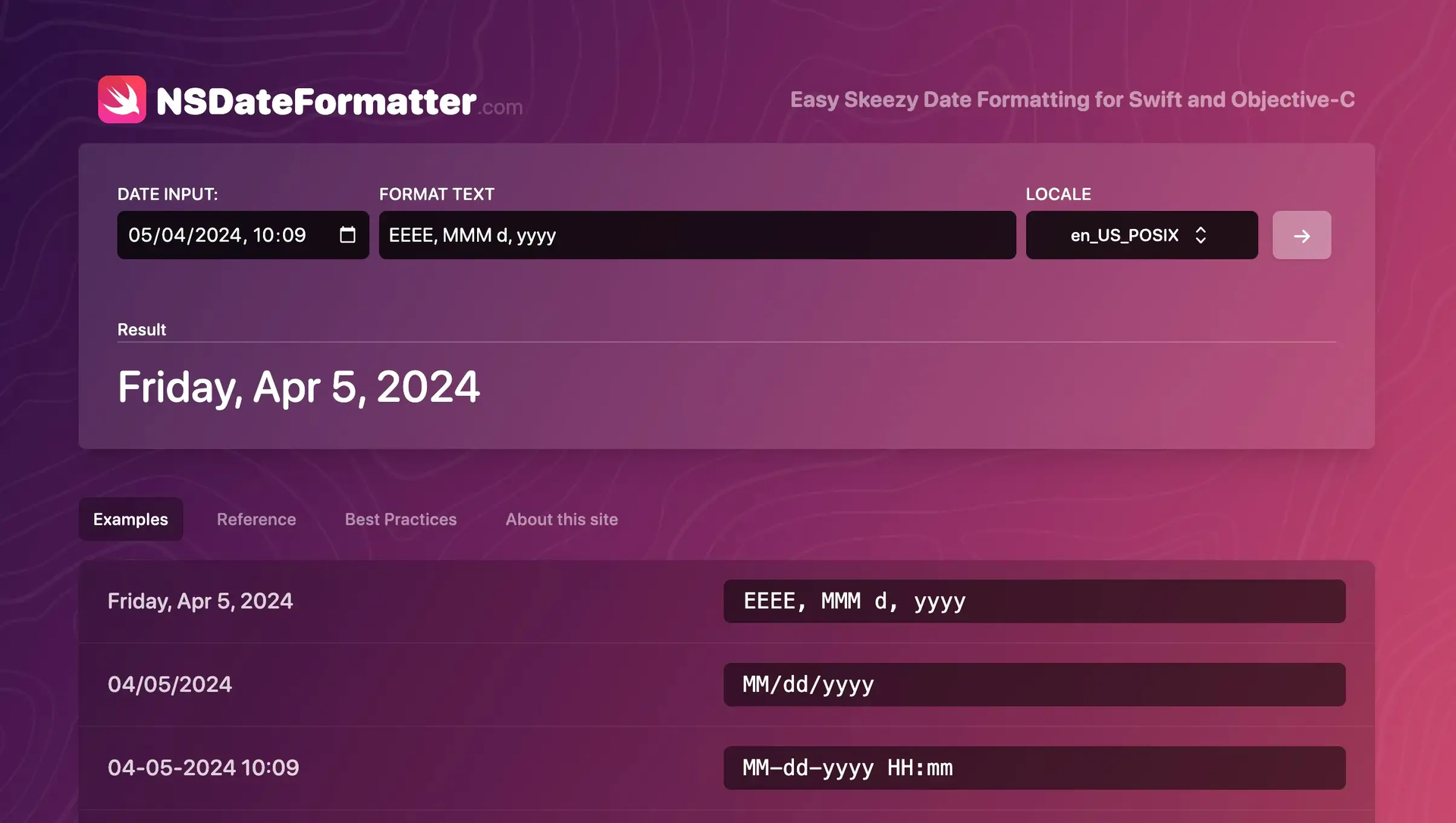
Tool #1 NSDateFormatter
No Mac, no party!
Paraphrasing a popular commercial, I feel like disproving George, as all the curious can try and run some Swift code online by simply browsing to online.swiftplayground.run.
Yes, but what is a Swift playground? It is a kind of sandbox, a protected environment to be clear, that allows you to test and verify small portions of code (even perhaps relative to the date manipulation tool mentioned above ;)). All this, without necessarily having to create a project with Xcode. This solution is quick, extremely practical and why I want to
Difference checker: Goodbye to migraines from now on!
I have often had the need to quickly check for differences between different files (not only in programming), and a difference checker definitely falls among one of the tools we absolutely must add to our virtual "Swiss Army knife."
It is therefore with great honor that I present to you: diffchecker.com. This tool doesn't need much explanation: just copy text A, on the left, text B on the right, press the "Find difference" button and in the blink of an eye the differences between the two will be intuitively displayed in red and green.
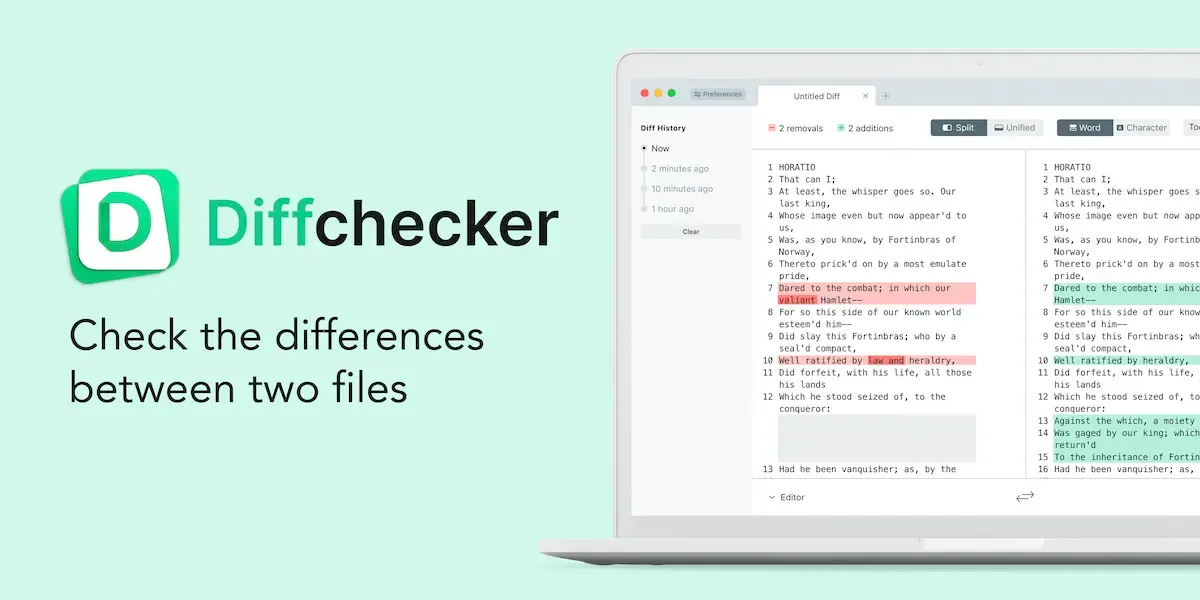
Tool #2 Diffchecker
Stackoverflow: The most popular site for developers
Few introductions, insiders can't miss it: stackoverflow.com is the Mecca for those in doubt, an oasis in the desert for those who thirst for knowledge and doubt.
And in case you didn't know, it is not only involved in programming and tech. It has super active communities of people in many fields including non-STEM that can intrigue without limits of age or education (travel, religion, role-playing, law, science fiction among many available).
Challenge your friends or fellow programmers to describe to you what the home page of the site looks like--maybe they use it every day, but legend has it that no one knows the true billing of the home page. Yes, because, very often googling the problem you want to receive will take you directly to the page where it is addressed.
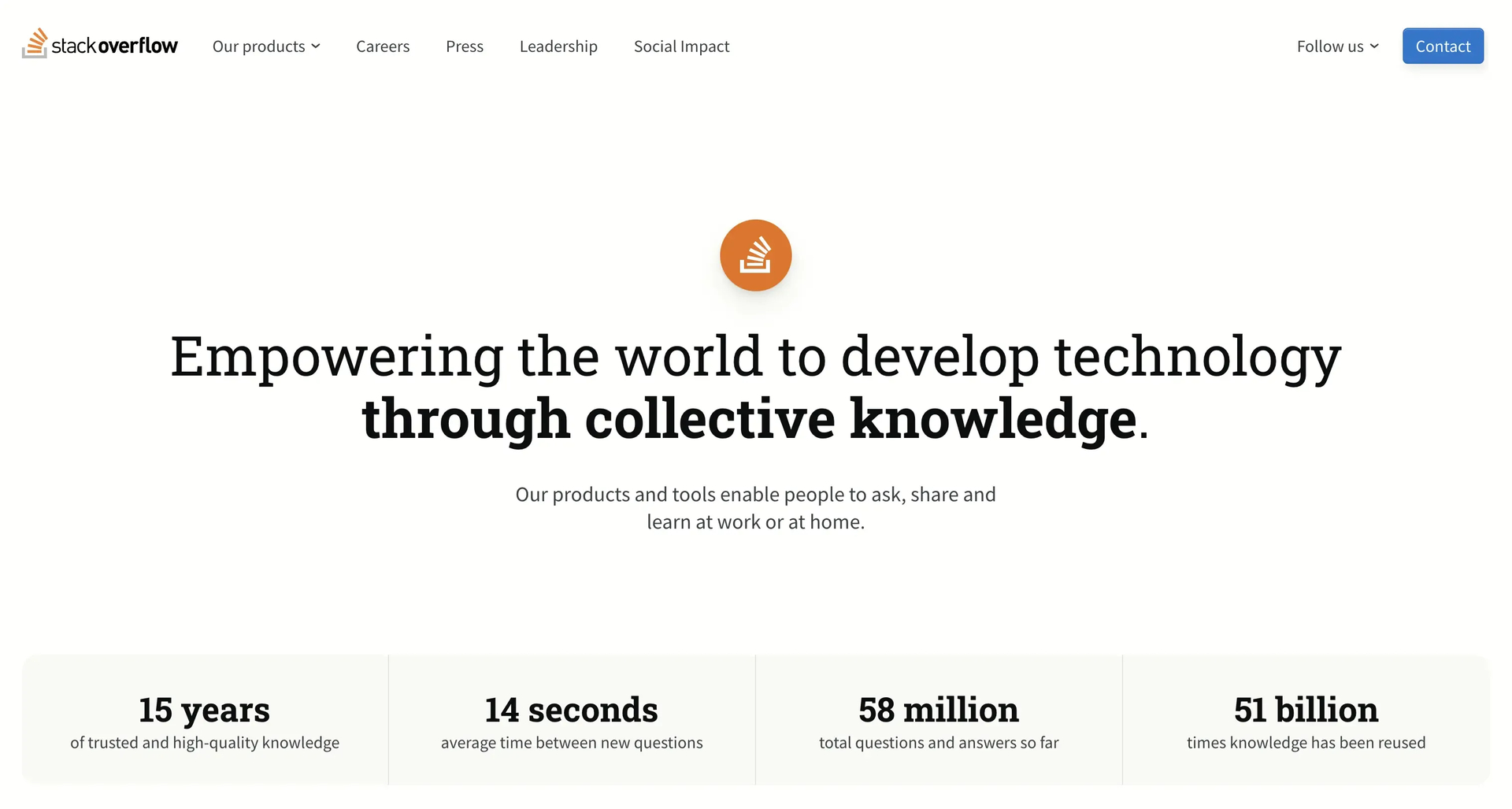
Tool #3 Stack Overflow
Homebrew: Homemade things are best
As our grandparents and parents taught us, handmade things very often beat the products we buy in supermarkets for authenticity.
This principle also applies in the tech sphere, where Homebrew (literally "Homemade Beer"), which can be downloaded from the brew.sh, represents anadd on essential for Macbook or Linux users. Regardless of experience and experties.
Symbolized by a frothy mug of beer, Homebrew, is nothing more than a terminal-based package manager that literally "installs the things Apple and Linux don't install"-automations, shortcuts, and file management are just a few of the "recipes" you can create.
One of the most useful sub-tools is the cask list, here we can install and maintain from the terminal many programs that we use every day, without having to manually update one by one anymore, but with a simple launch of a keyboard command.
My magic formula for completely managing brew is this:
brew update && brew upgrade && brew upgrade -cask && brew upgrade -cask -greedy && brew autoremove && brew cleanup -s && brew doctor
This little form allows us to keep our homebrew updated easily and remove temporary files of updates and packages that are no longer needed.
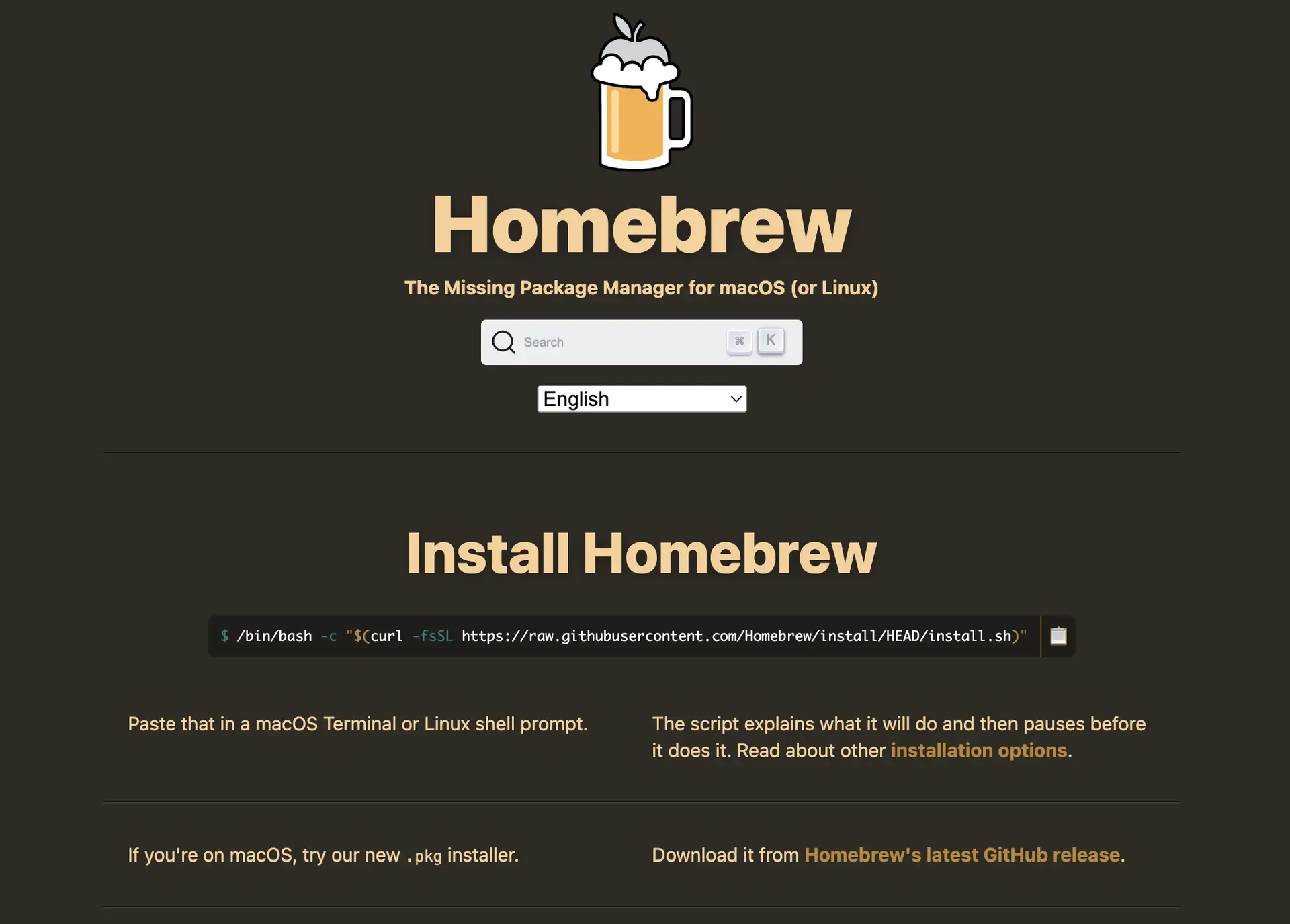
Tool #4 Homebrew
Colourcontrast: Nice, nice eh... But not accessible!
As a native developer and user, very often I see apps and sites of all sorts where everything is not always in place! Today, in 2024,accessibility and usability of products, whether apps or websites, are no longer an option.
For example, a very sore point often overlooked concerns visual contrasts and unbalanced palettes that stress and tire our eyes more than they should.
In this case, a very big help is given to us by the free tool of colourcontrast.cc. With this tool we can control only two colors at the same time, which in many cases is more than enough to improve the layout and contrast of colors in a screen.
A very intuitive UI (user interface) and sliders allow you to quickly see which color pair lends itself best to be able to pass all accessibility tests. Enough of these yellow buttons on a white background and come on!
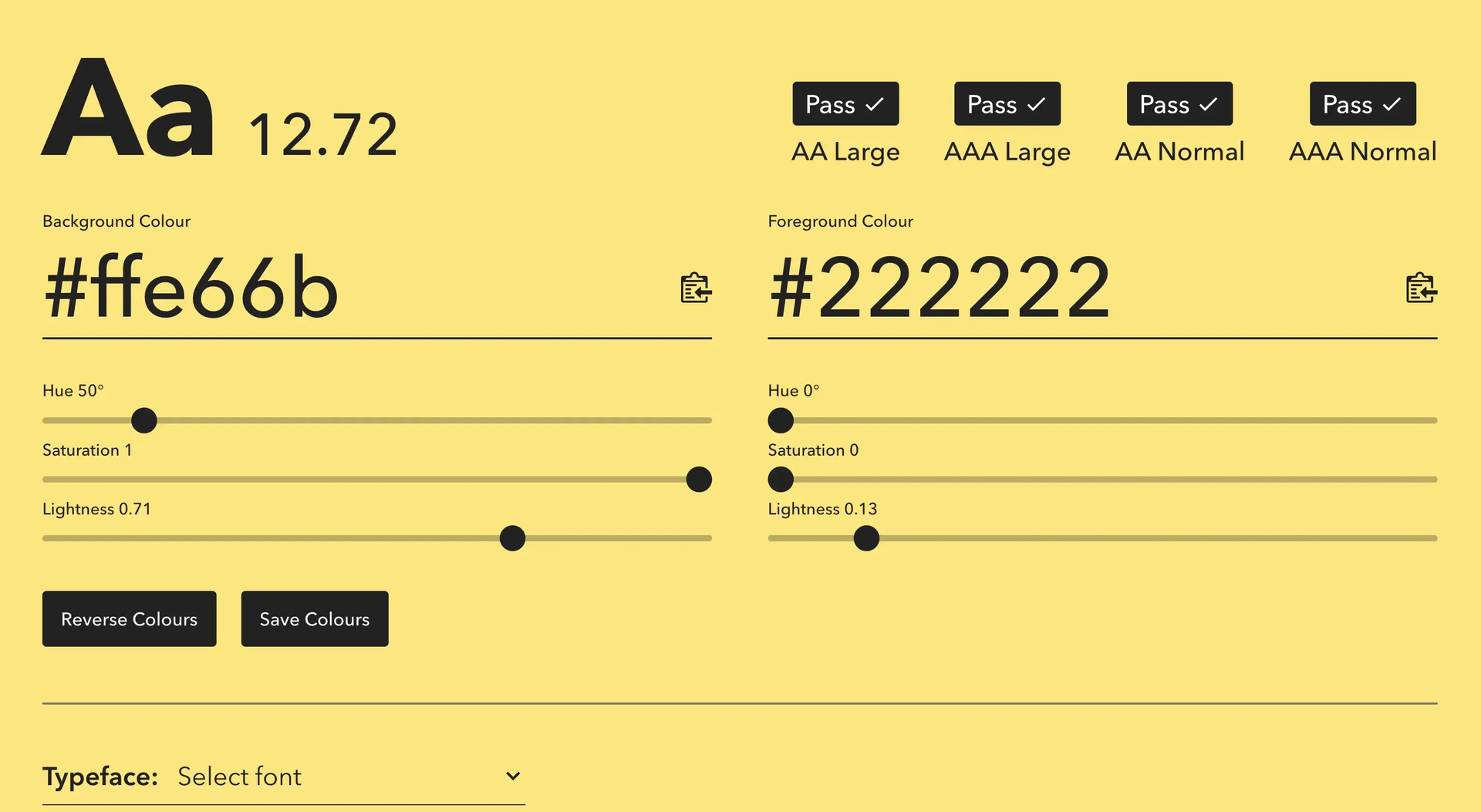
Tool #5 Colour Contrast Checker
A Tower of Babel in our device!
Another very important aspect to improve UX (User Experience) is translation, that is, the possibility to translate our product into the various languages thanks to localization! This carries many benefits, but one is the most important of all: the possibility of reducing the language gap by promoting smoother and more accessible navigation regardless of the language spoken! Doing so also acts on the interaction gap in the app.
Therefore, today, I want to introduce to you applelocalization.com: the idea behind the site, starts from this very premise. The creator has mapped all the texts related to Apple software products (you can't call him anything else but a "raving lunatic" as Monty puts it) putting them at our disposal without having to have problems with literal translations, slang or any other problems that might arise using other products (yes, Google Translate I'm referring to you!).
Obviously it will not cover the entirety of your product's localization, but the search bar and the sheer volume of languages available will certainly help.
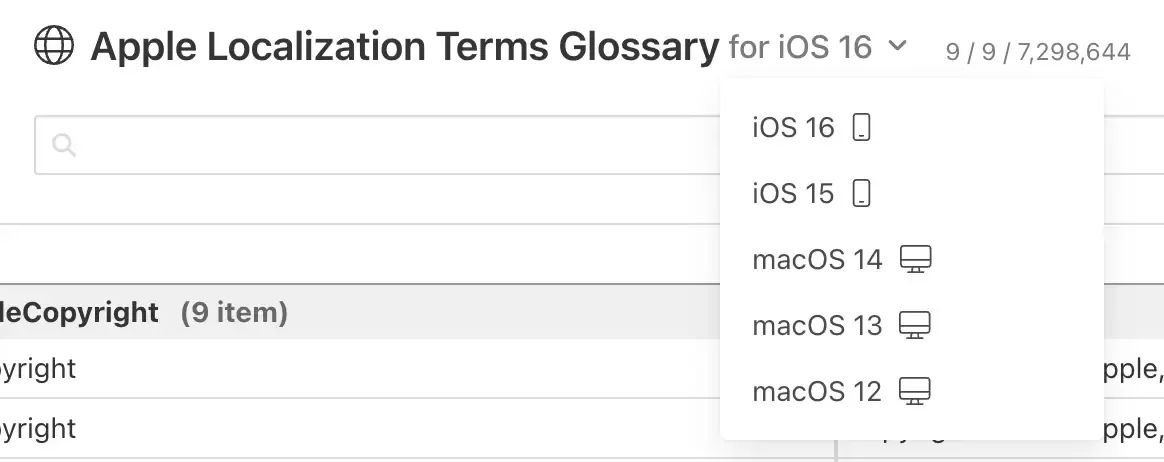
Tool #6 Apple Localization Terms Glossary
That's all for this second installment and always remember the maxim: "Stay lazy, stay foolish" ... Or it was something like that anyway!